


Who knows Cricut since they changed their programming and no lon
Who knows Cricut since they changed their programming and no lon


Joined:
X days ago
# Posts:
X,XXX
Contributor Points:
X


Who knows Cricut since they changed their programming and no longer use 12 x 12 cardstock? I need help.


Jeepinbear and Donnawisdom reacted Replies:

 BrendaT :
 Does this help at all? I do not have one personally. Make sure you have the current updated version of software too. Hope you can get that fixed without a huge hassle. There is a Reddit thread about this though.
• Click on your profile name in the upper-right corner (or the menu icon next to Home) and go to Settings.
• Navigate to the Load Type or General tab and verify that your default mat or material load size is set to 12x12 in (On Mat) rather than a smart material or letter size default.
• Verify Your Design Dimensions:
• Remember that even when using a 12x12 inch mat, the maximum actual cutting/printing area is 11.5 x 11.5 inches to leave room for the machine's margins. If your project image exceeds 11.5 inches, Design Space may block the 12x12 mat option.
• Adjust Print-Then-Cut Limits:
• If you are trying to do a Print Then Cut on 12x12 cardstock, Design Space does not always show 12x12 as a direct default paper size in the dropdown. You can work around this by selecting an A3 or larger custom paper size in your system printer dialog or adjusting your material load settings before sending it to cut.
• Select the Right Cut Setting:
• Cricut still manufactures and sells 12x12 options like Cricut Value Cardstock. When cutting, select Light Grip Mat and choose Value Cardstock - 65 lb (176 gsm) in the material list for the cleanest result.
I watched their videos. They didn't help. In fact they were inaccurate. It ate up my one piece of cardstock which was all I needed. 😢 I am going to take a break, and figure it out later and get in my car for one piece of paper. 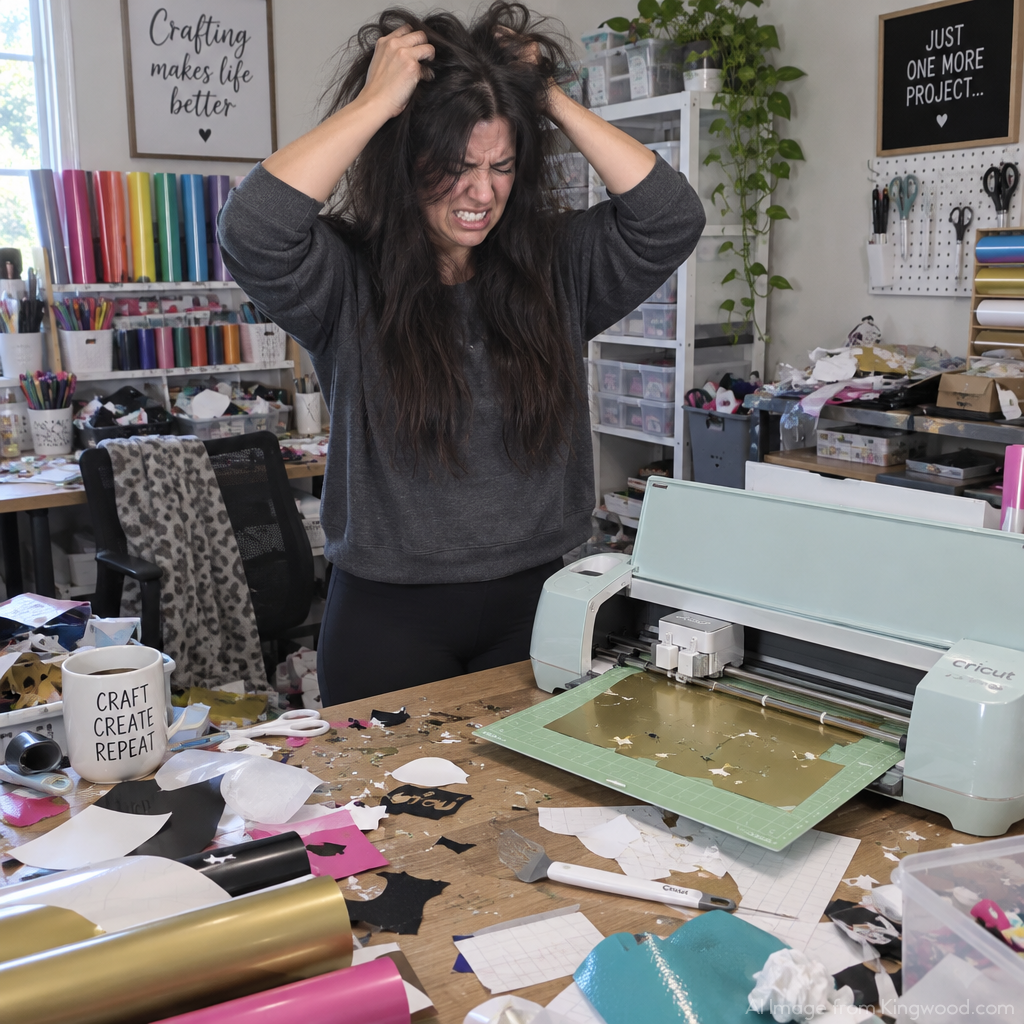
Jeepinbear reacted 
« Back to Chat
Views: 56
# Replies: 5